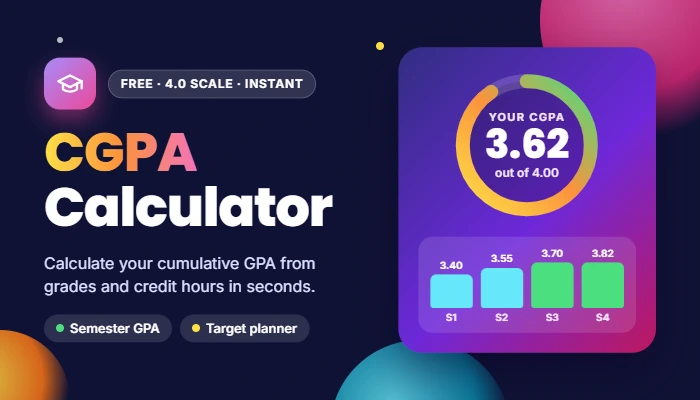
Use our free CGPA Calculator to calculate your CGPA in seconds. You enter the grades and credit hours for each subject and the tool automatically calculates your semester GPA. Then add up your semesters and view your overall CGPA on a 4.0 scale, without any manual math or spreadsheet calculations.
If you’re keeping track of your grades, you’re applying for scholarships, or you’re preparing for graduation, this cumulative GPA calculator will give you precise and accurate results. You can add a previous CGPA, add any number of semesters you want, and utilize the built-in Target CGPA Planner to determine what GPA you have to achieve in the next semester to meet your target.
Must visit: Easy Grade Calculator
CGPA Calculator
Add your semesters and courses to get your cumulative GPA instantly, then plan the GPA you need to hit your target.
Previous CGPA (optional)
Already have a CGPA? Enter it with your completed credit hours, and new semesters will be added on top.
Target CGPA planner
Find the semester GPA you need next term to reach your goal.
Grade point scale used (4.0)
Your university’s scale may differ slightly. If so, use the “By semester GPA” tab with the GPAs from your result cards.
Key features for CGPA Calculator
- Semester GPA and CGPA: calculate both in one easy tool.
- Credit weighted results: courses are weighted based on credit hours as they are on official transcript.
- Target CGPA planner: see the GPA you need to achieve next term to reach your target.
- GPA trend chart: monitor progress over time by semester.
- No sign-up, entries save automatically and can be accessed from anywhere, anytime, on any device.
What is the calculation of CGPA?
CGPA = Total Quality points/ Total credit hours. Calculate each course credit times the grade point to determine the quality points for each course. Then total up the quality points of all courses and divide by total credit hours. All of this is done automatically by our CGPA calculator.